Use vehicle and equipment information in your internal tools
Plan a consistent asset reference across your fleet system and other applications, subject to supported fields.

Connect fleet data to the business systems your team already uses. Simply Fleet's fleet management API provides a way to build custom connections for internal applications, reports and fleet maintenance workflows, based on the resources supported in our API documentation.
Already using a supported telematics provider? Explore ready-made fleet integrations.
The Simply Fleet API is a developer interface for building custom connections between Simply Fleet and other business applications. It lets developers work with supported fleet information through documented endpoints. The API reference defines the available records, fields and operations.
The value of an API is in what your team can do with the information. These are practical examples to assess against the endpoints available in Simply Fleet's developer documentation.
Plan a consistent asset reference across your fleet system and other applications, subject to supported fields.

Explore using supported service, work order or issue data in reports that need maintenance context.
Bring relevant fleet records together with other business data in a reporting or analytics workflow.
Pull expense records from Simply Fleet into your accounting, ERP or finance software. Give your finance team access to vehicle and equipment costs without copying entries by hand.
When evaluating a fleet maintenance API, start with records tied to the right asset. Simply Fleet connects vehicles and equipment with inspections, reported issues, repairs and completed maintenance. A custom integration can use relevant records in another system when the API supports them.
Need an existing fleet workflow rather than a custom connection? Explore fleet maintenance software.
Start with the data your business needs. The areas below are common Simply Fleet product records to evaluate. They are not a claim that every area has a public API endpoint or that every action is writable.
| Area to evaluate | Example information | Typical integration need |
|---|---|---|
| Vehicles and equipment | Asset details and identifiers | Match the same asset across business systems |
| Maintenance and service history | Service records and repair activity | Bring completed maintenance into reports |
| Work orders | Repair jobs and status | Review maintenance progress in another application |
| Inspections and issues | Reported problems and follow-up | Understand open maintenance needs |
| Fuel and expenses | Cost and fuel records | Assess cost data for finance or reporting |
Important: Confirm endpoint coverage, authentication, methods and field-level availability in the Simply Fleet API documentation before scoping a build.
Define the business workflow first. Then use the developer reference to confirm whether the API supports it.
Identify the external application, the fleet records needed and the expected direction of the data flow.
Check available endpoints, authentication, supported actions, payloads and applicable limits.
Test identifiers, permissions, data quality, error handling and your business workflow before rollout.
Choose a ready-made integration when Simply Fleet already supports your provider and required workflow. Choose the API when you need a custom connection built by your technical team or partner.
For internal applications, tailored reports and integrations with systems that need a custom build.
For supported providers such as Geotab, Samsara and Verizon Connect, with availability dependent on the integration and plan.
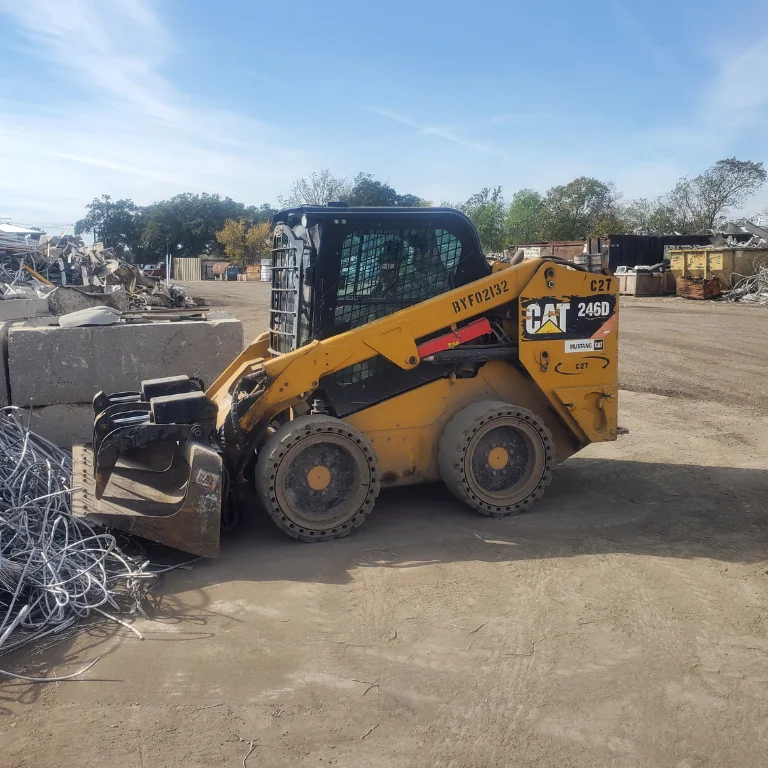
From recycling yards to school buses, see how fleet teams use Simply Fleet for inspections, preventive maintenance, work orders and fleet records.
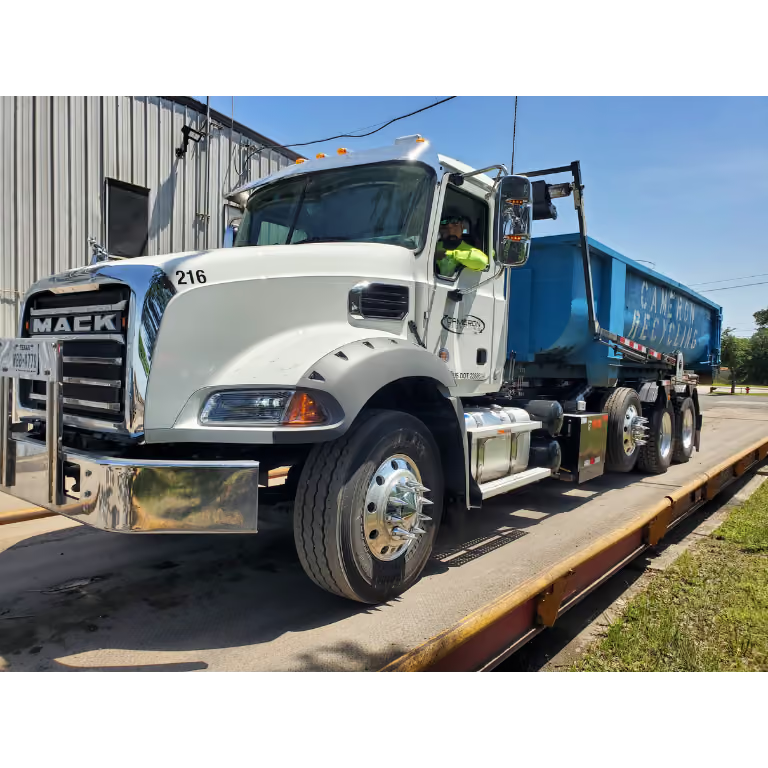
From paper inspections to remotely managed maintenance.
Cameron Recycling runs a mixed fleet of trucks, forklifts, loaders and material handlers. Its team uses mobile inspections, issue alerts and maintenance records in Simply Fleet so Fleet Coordinator Keith Murray can manage repair follow-ups remotely.
Read Cameron Recycling's fleet maintenance case study ↗“Now, I know what’s wrong before the machine leaves the yard.”
Keith Murray, Fleet Coordinator, Cameron Recycling

Samsara mileage sync updates preventive maintenance reminders and helps trigger work orders without weekly manual odometer entry.

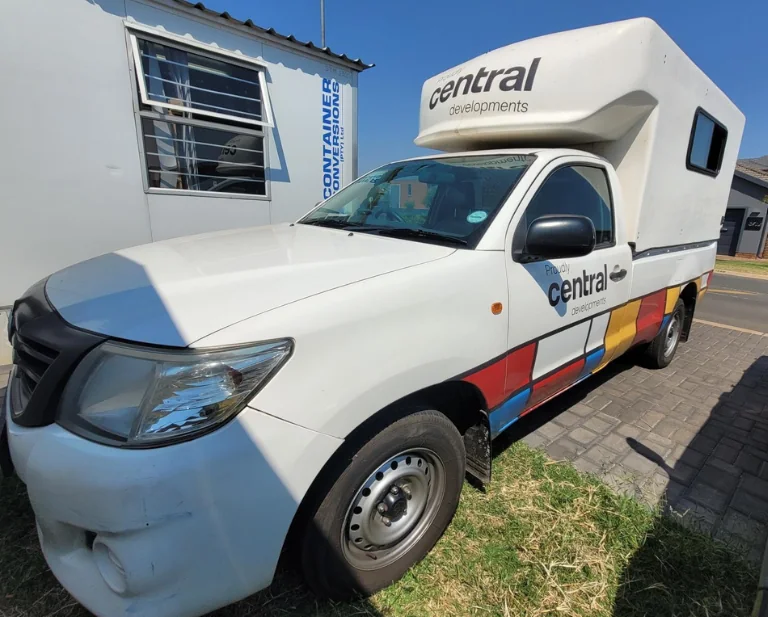
One manager uses Simply Fleet to organize service records, vehicle documents and renewals across multiple companies and construction sites.
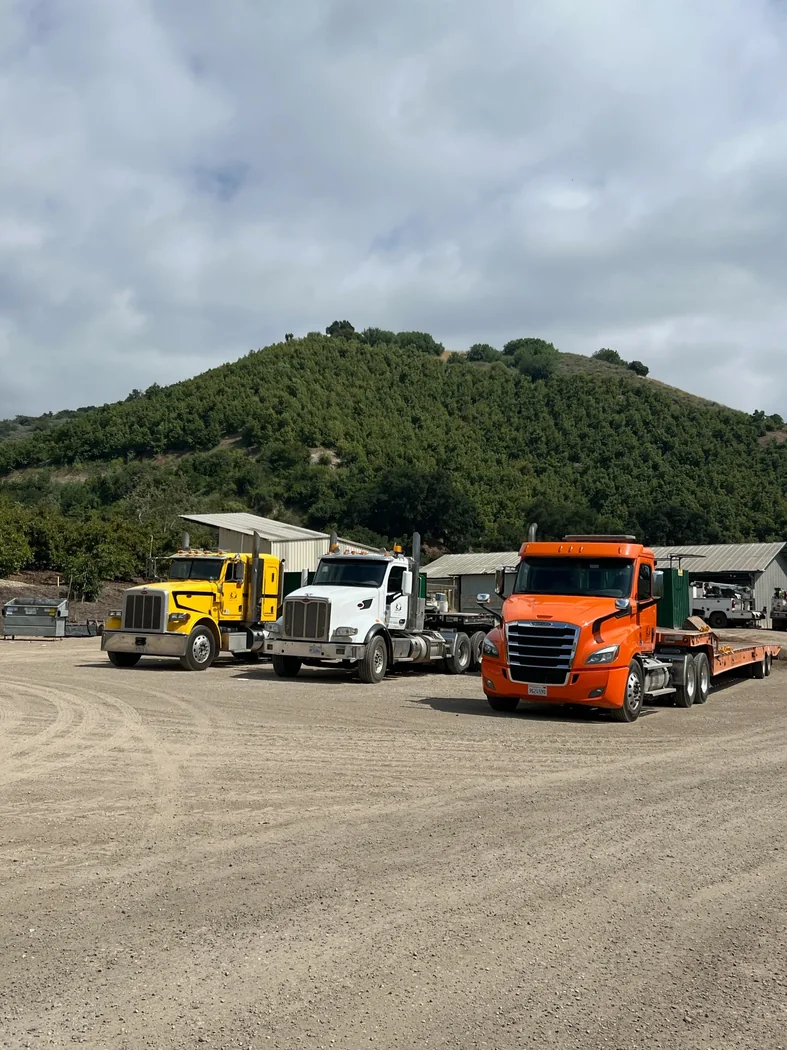
Replaced whiteboard-based service tracking with maintenance reminders, inspections, service history and expense records.
MORE OPERATIONS, MORE REAL-WORLD STORIES

Patrol fleet maintenance tracking, launched in two days.

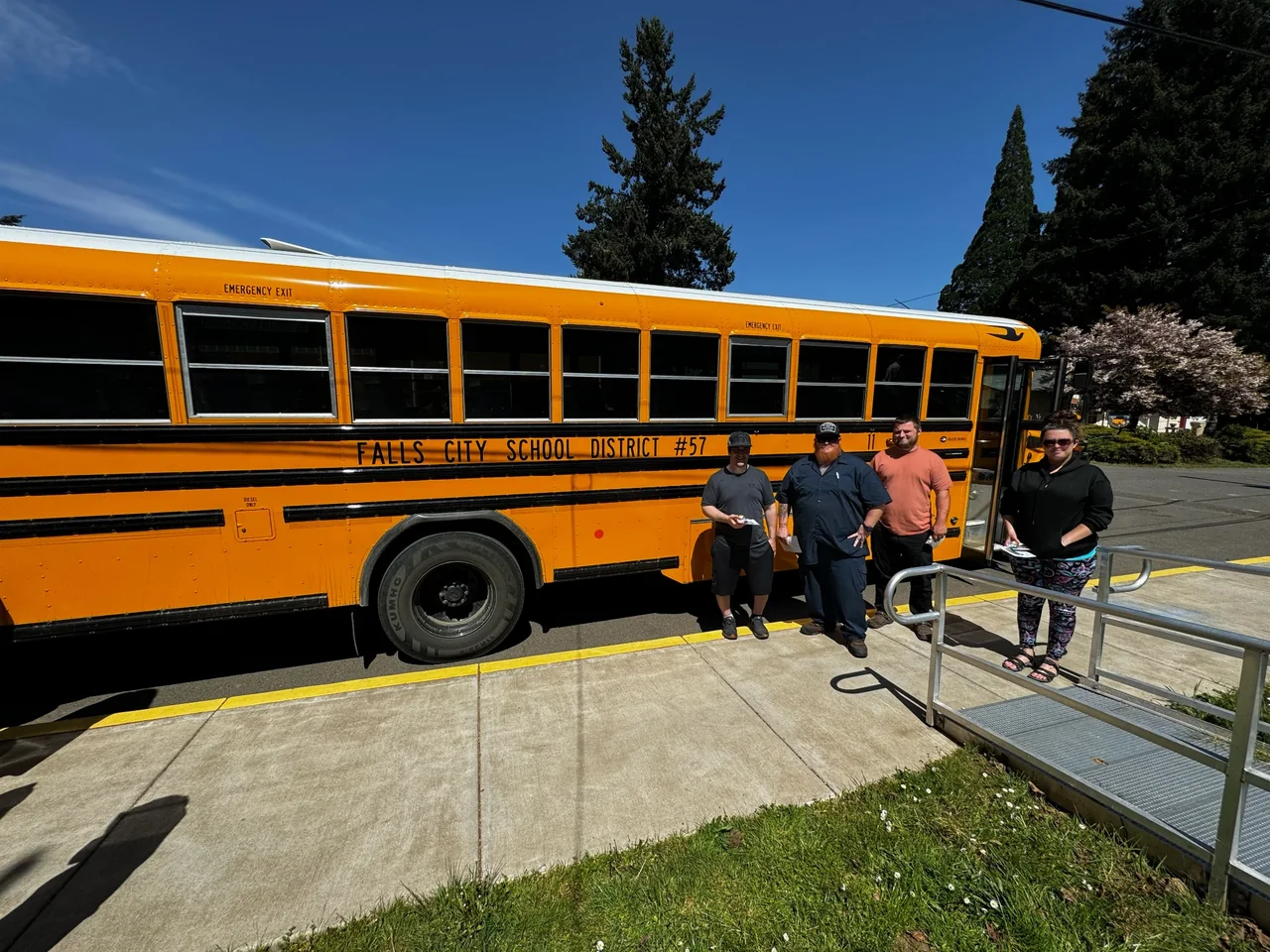
Mobile mileage logs and custom school bus inspections.

Yes. Simply Fleet provides API documentation for developers who want to build custom connections. The documentation is the source of truth for supported resources and actions.
A custom connection may be possible if the API provides the records and operations your workflow needs. Review the developer documentation and discuss your requirements with our team before planning the integration.
The available data depends on the API's documented endpoints and permissions. If you need service history, work orders or other maintenance records, check their availability in the current reference before building.
The API is for custom-built connections. Built-in fleet integrations are existing connections with supported providers, such as telematics services.
Use the Simply Fleet API reference to review the latest technical requirements. Do not assume a method, permission or rate limit is available unless the documentation confirms it.
Contact Simply Fleet to confirm API access for your account or plan and discuss the integration you want to build.
Tell us what software you use and what information you want to connect. We can help you review the next steps.