RTA Fleet alternative | Head-to-head comparison

Simply Fleet vs RTA Fleet

Complex fleet operations. Easier software.

Compare Simply Fleet and RTA Fleet360 on preventive maintenance, workshop management, inspections, reporting, integrations and subscription costs. Find the right fit for your commercial or public-sector fleet, across teams and locations.

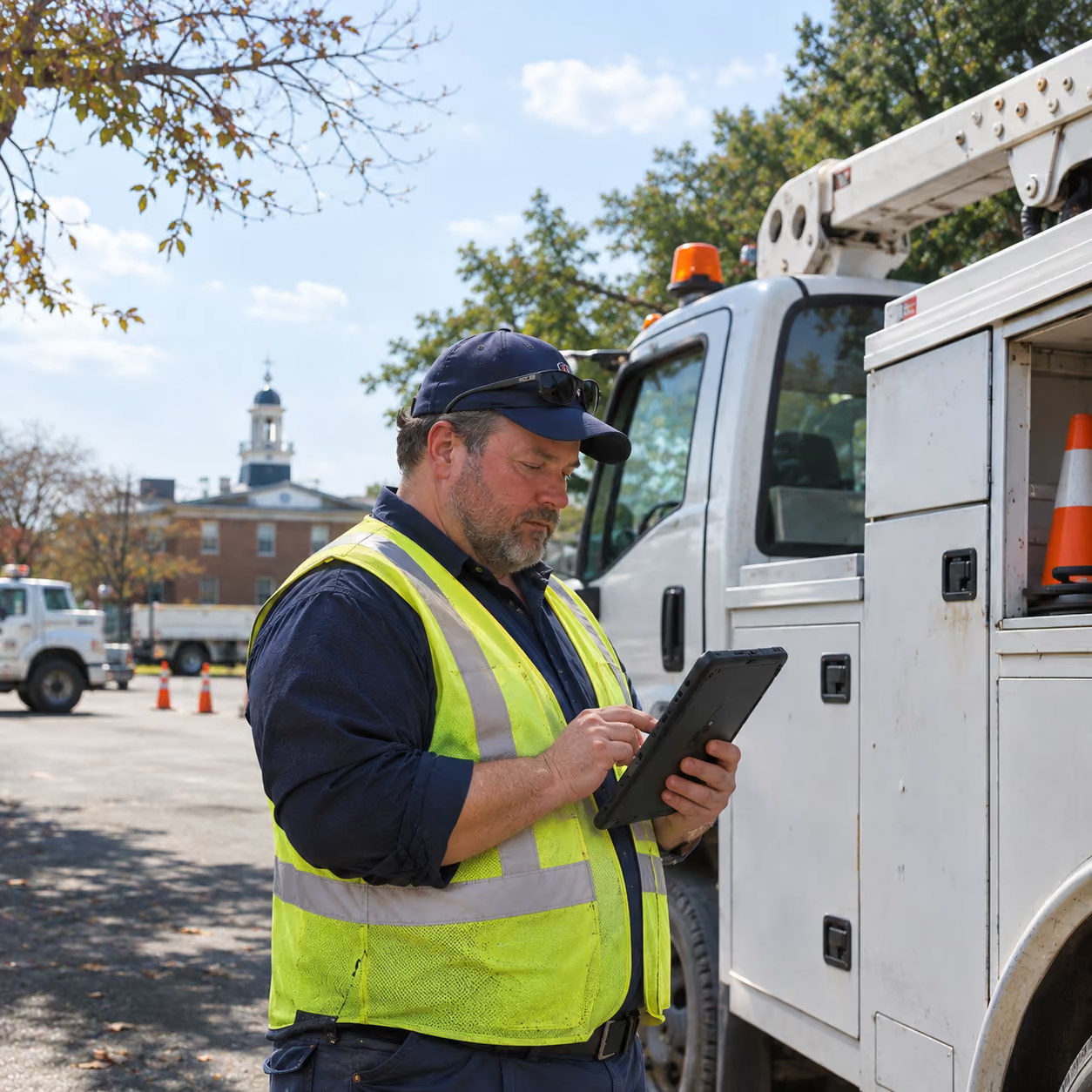
Utility fleet worker at a truck site

Feature comparison

Simply Fleet vs RTA Fleet: at a glance

Both platforms support fleet maintenance and workshop operations. Compare specific capabilities and plan requirements—not fleet size or operational complexity.

Decision factorSimply FleetRTA Fleet
Operational fitVehicle and equipment fleets, including public-sector, commercial, multi-location and in-house workshop operations. Connected maintenance, asset management, cost tracking and reporting.Commercial and public-sector fleets managing vehicles, equipment, maintenance, workshops and inventory. Native parts purchasing is also available.
Preventive maintenanceTime, mileage and engine-hour schedules; vehicle-specific schedule recommendations; automatic work order creation from configured reminders on Advanced.PM schedules, due notifications, service history and maintenance work orders.
Digital inspections & defect resolutionCustom forms, recurring or one-time schedules, mileage and duration triggers, signatures and inspection history. Failed checks can create issues for repair follow-up; full work order workflows on Advanced.Digital inspection and defect workflows through RTA Inspect; check plan and add-on requirements.
Work orders & technician managementAdvanced: scheduled and unscheduled work orders, technician assignment and acceptance, automatic job timers, pause/resume, hourly labor rates, progress updates, parts and service history. Completion creates service records and resets associated reminders.Work orders, technician assignment, labor and parts tracking, shop scheduling and repair records; capabilities vary by plan.
Parts inventoryAdvanced: batch-level purchasing records, costs, quantities, invoice attachments, asset-to-part assignments, barcode scanning, automatic stock deduction on consumption and inventory reporting. Limited inventory on Free.Inventory tracking, barcoding, parts chargeout and parts kits; check plan-specific controls.
Mobile appDrivers log inspections, issues, fuel, services and expenses within their permissions. Technicians, managers and admins use web and mobile; authorized technicians can create and close work orders on Advanced.RTA Mobile supports shop tasks, labor, parts and inspections; RTA Inspect serves driver DVIR workflows. Confirm access and plan terms.
Fleet reporting & cost visibilityCustomizable dashboards (up to 5 KPI cards and 12 charts), group/asset/time filters, maintenance costs, TCO, cost per mile, downtime, utilization and technician labor hours.Dashboards, standard reports, fleet scorecards and scheduled reporting; confirm plan requirements.
AI & automationSimply Ask for plain-English queries and reports; AI Insights on daily, weekly or monthly schedules with supporting numbers and record links; service invoice and fuel receipt scanning, voice logging. Credit limits apply.Ron360 chat and reporting, plus automation and smart capture tools; plan and add-on requirements vary.
Included AI creditsFree: 10 one-time credits. Essential: 2 credits per vehicle/month. Advanced: 5 credits per vehicle/month. AI Insights uses 5 credits/run on paid plans.Confirm Ron360 usage limits and plan or add-on costs.
Fuel & operating costsFuel logs, fuel efficiency, expense tracking and operating cost reports. Optional WEX integration.Fuel and operating cost tracking, fuel-system integrations and asset cost reporting; confirm provider and plan coverage.
Trip & mileage recordsTrip and daily mileage records for operational tracking.Confirm trip logging and mileage capture workflows for your required plan.
External repair shopsRecord outside vendor services, repair costs and supporting documents; scan service invoices to extract details for review.Sublet work orders, vendor invoices and warranty-related repairs; costs are recorded against assets.
API & integrationsAPI access on Advanced for custom integrations. Optional telematics (including Samsara, Geotab and Verizon Connect) and WEX fuel card integrations available on paid plans.Telematics, fuel and other integrations, open API and webhooks; check supported providers and plan limits.
Users & fleet growthUnlimited users and data storage on both paid plans, group-based access and role permissions. Volume pricing for fleets over 500 vehicles.Unlimited users on published plans, with user groups and plan-specific controls.
Multi-location fleet managementVehicle groups, vehicle assignments, manager hierarchies, scoped user permissions and group-based cost reporting across locations or departments.Supports multiple facilities and departments, with facility-based records and reporting.
Vehicle & equipment recordsAsset records, purchase costs, age, active/inactive and out-of-service status, downtime, utilization, service history, TCO, documents and renewals. Optional small tools and equipment tracking.Asset records, attachments, equipment and tool management; some capabilities require add-ons.
Compliance & renewalsTrack registration, insurance, permits and driver document renewal reminders.Confirm document renewal and alert workflows for your required plan.
Purchase ordersTrack batch-level parts purchases, supplier invoices, stock and usage. Native purchase order creation and procurement approvals are not included.Native purchase orders, part requests and receiving; plan-specific purchasing automation and approvals.
Monthly subscriptionEssential: $3/vehicle/month. Advanced: $5/vehicle/month. Five-vehicle minimum on paid plans.Pro: $6/asset/month. Advanced: $8. Enterprise: $11. All billed annually; 100-asset minimum.
Annual base subscriptionEquivalent to 10 monthly payments: Essential $30 and Advanced $50 per billed vehicle/year, before add-ons or volume pricing.Pro $72, Advanced $96 and Enterprise $132 per billed asset/year, before add-ons or negotiated terms.
CommitmentFree plan: up to five vehicles, three users and six months of data storage. Monthly or annual paid plans.Annual billing, with a published 100-asset minimum. Ask RTA about trial options or smaller-fleet terms.
Support & onboardingBulk imports included on paid plans; optional paid assisted migration and onboarding. Priority support on Advanced; custom reporting setup by arrangement.Training, customer support and implementation assistance; confirm migration scope and any fees.
Plan details reviewed November 2026. Features and add-ons vary by plan. RTA bills per asset with annual billing and a 100-asset minimum; Simply Fleet bills per vehicle, with optional small equipment tracking. Compare plans against your own requirements.

Which platform fits your fleet?

Simply Fleet or RTA Fleet: which should you choose?

Both platforms support fleet maintenance and workshop operations. Compare the features, workflows, integrations and subscription terms that matter to your organization.

Consider Simply Fleet

Complete fleet management with flexible deployment

  • You need connected maintenance across locations: automated work orders, live technician timers, parts consumption, service records and downtime visibility.
  • You want customizable dashboards, scheduled AI Insights, invoice and receipt capture, and API access for custom integrations.
  • You value configurable workflows and want drivers, technicians and fleet managers to test the software before committing.
  • You prefer flexible monthly or annual subscriptions, unlimited paid-plan users and volume pricing options.
Consider RTA Fleet

When specific RTA workflows fit your requirements

  • Native purchase orders, approval processes and parts receiving must be handled inside your fleet software.
  • You require a specific RTA workflow, such as a purchasing-linked receiving process, that you have validated against your operating requirements.
  • Your existing integrations or historical records depend on RTA-specific configurations that need to be evaluated before migration.
  • Your current workflows and contract meet your requirements, and the benefits of changing platforms do not justify the transition.
Before deciding: Both platforms can support commercial, public-sector and multi-location fleets. Compare a real preventive maintenance task, inspection, work order, inventory transaction, report and integration using your own requirements. Confirm the plan, onboarding and total subscription cost.

Why switch?

Why consider switching from RTA Fleet to Simply Fleet?

Connect your entire maintenance workflow

Configure maintenance reminders to generate work orders, assign technicians, track actual repair time and parts, and create service history that resets related reminders.

Automate routine work and surface insights

Scan service invoices and fuel receipts, dictate fleet records, ask questions in plain English and schedule AI Insights to identify cost and maintenance patterns with links to supporting records.

Control subscription costs as you scale

Choose monthly or annual billing with unlimited users and data storage on paid plans. Add integrations as needed and request volume pricing for fleets over 500 vehicles.

Everyday workflows

How Simply Fleet fits into your day

Compare three everyday tasks before switching from RTA Fleet.

Driver completing a vehicle inspection
01 / In the field

Stop chasing inspection forms

Drivers complete recurring or one-time digital inspections, flag defects and attach supporting details. Failed items can become issues; managers prioritize repairs and convert issues into work orders on Advanced.

Comparison: Both platforms support digital inspections and defect follow-up. Compare the same inspection form, issue escalation and mobile workflow on each.
Technician working on a fleet work order
02 / In the workshop

Keep repairs, parts and costs together

Schedule maintenance by time, miles or engine hours and generate work orders from configured reminders on Advanced. When technicians accept a job, the timer starts; they can pause, resume, log progress and consume parts. Completion creates a service record and resets associated reminders. Scan outside vendor invoices for review.

Comparison: Both platforms support in-house maintenance, technician labor and inventory. Evaluate the actual work order, parts consumption and preventive maintenance workflow on each.
Fleet manager reviewing fleet reports
03 / At the office

Know what needs attention

Customize dashboards by group, asset and date to track downtime, TCO, cost per mile and technician labor. Schedule AI Insights daily, weekly or monthly to surface unusual costs and maintenance patterns with links to source records. Use Simply Ask for reports and connect supported telematics or custom systems.

Comparison: Both platforms offer reporting and AI-assisted analysis. Compare report outputs, data access, integration requirements and plan limits using your own records.

Pricing and value

Compare your annual software cost

Monthly or annual billing. Free for up to 5 vehicles; unlimited users and data storage on paid plans.

Replaces the published estimate.

Annual subscription cost

RTA Fleet360 Advanced (estimate)$14,400
$1,200 per month (equivalent)
Simply Fleet Advanced (monthly)$9,000
$750 per month
Illustrative annual savings

37.5% lower subscription cost.

$450 less per month (equivalent).
$5,400

RTA estimates apply its published 100-asset billing minimum. Simply Fleet estimates apply its five-vehicle paid-plan minimum and selected billing term. Assumes each vehicle is one billable RTA asset; excludes add-ons and quoted services.

Calculation assumptions

RTA Fleet360 publishes annual billing with a 100-asset minimum; the estimate bills at least 100 assets even if your fleet is smaller. A visitor-entered annual quote replaces the estimate. Simply Fleet paid plans have a five-vehicle minimum; annual base plans cost the equivalent of ten monthly payments. Volume pricing is available for fleets over 500 vehicles. Estimates exclude negotiated rates, taxes, onboarding, AI credit top-ups and optional add-ons (including telematics, WEX and small tools and equipment). Assumes one RTA billable asset per Simply Fleet vehicle; mixed equipment fleets should obtain tailored quotes. Plans are not necessarily feature-equivalent.

REAL CUSTOMERS · REAL FLEETS

How real fleets use Simply Fleet.

From recycling yards to school buses, see how fleet teams use Simply Fleet for inspections, preventive maintenance, work orders and fleet records.

Explore all customer stories
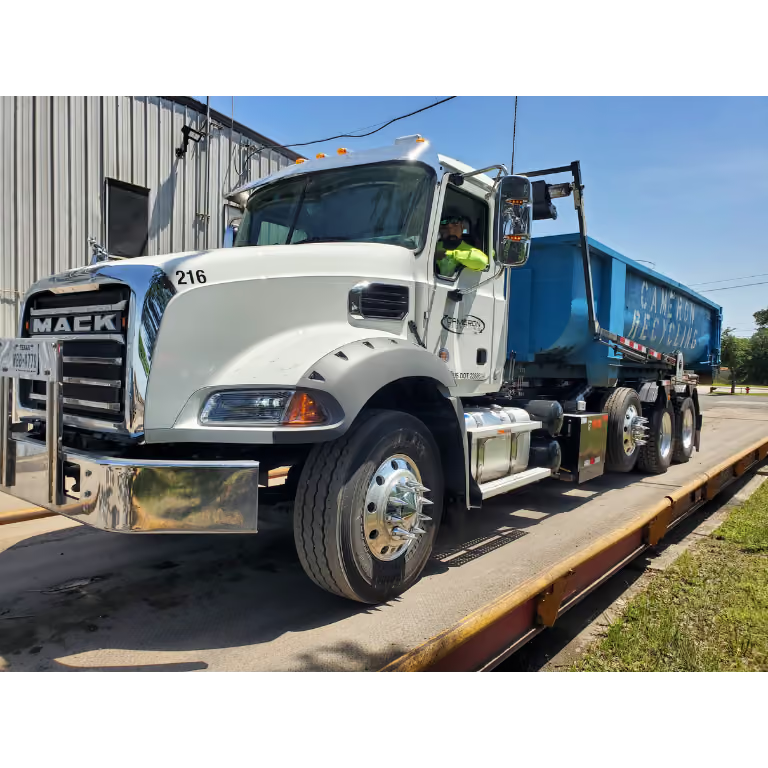
White Mack roll-off truck with blue Cameron Recycling container on a weighbridge
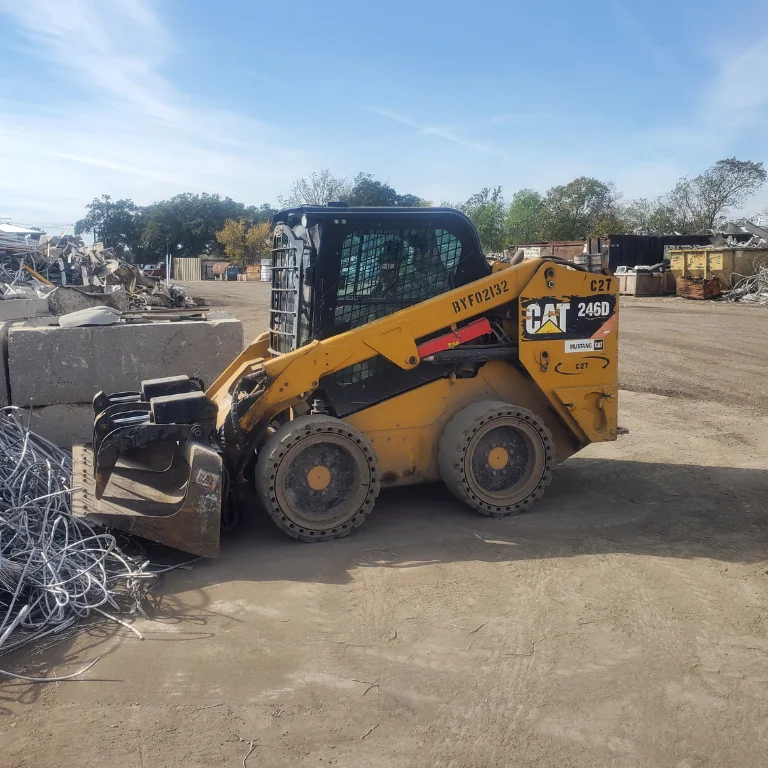
CAT skid steer loader at Cameron Recycling yard
Cameron Recycling staff member wearing a blue hard hat beside heavy equipment
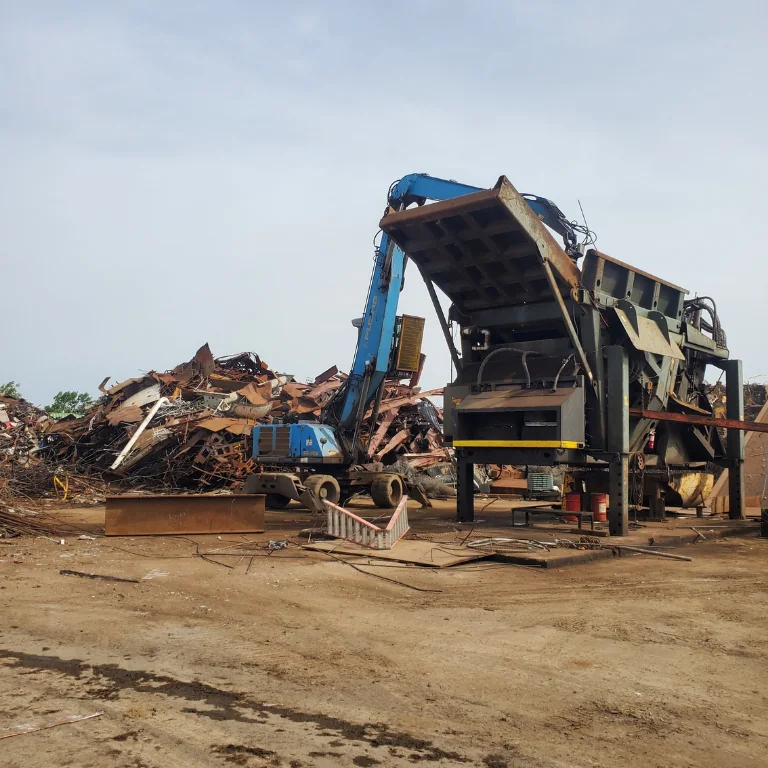
Scrap processing machinery and yard equipment at Cameron Recycling
Photos from Cameron Recycling
FEATURED CUSTOMER · RECYCLING · TEXAS

Cameron Recycling

From paper inspections to remotely managed maintenance.

Cameron Recycling runs a mixed fleet of trucks, forklifts, loaders and material handlers. Its team uses mobile inspections, issue alerts and maintenance records in Simply Fleet so Fleet Coordinator Keith Murray can manage repair follow-ups remotely.

“Now, I know what’s wrong before the machine leaves the yard.”

Keith Murray, Fleet Coordinator, Cameron Recycling
Read Cameron Recycling's fleet maintenance case study
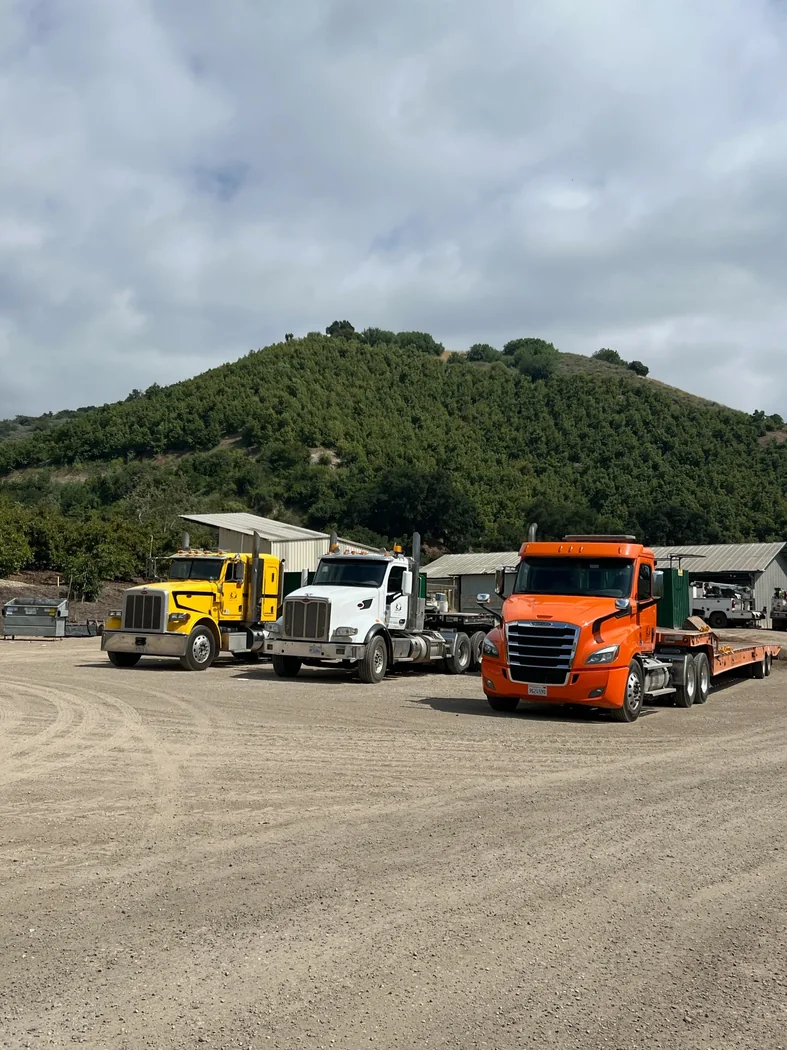
Yellow, white and orange heavy-duty trucks parked at Quality Ag’s yard
AGRICULTURE & MIXED EQUIPMENT · CALIFORNIA

Quality Ag

Replaced whiteboard-based service tracking with maintenance reminders, inspections, service history and expense records.

130+vehicles and equipment assets
Read Quality Ag's fleet case study

Switching from RTA Fleet

Plan your RTA Fleet migration with us

Plan your transition around your data, teams and existing workflows. Share RTA Fleet exports so we can assess imports, custom integrations, training and rollout requirements.

01

Review your needs

Map your preventive maintenance, inspections, work orders, inventory, reporting and purchasing requirements.

02

Check your data

Review sample exports and validate records, field mappings and import options.

03

Try it with your team

Test mobile inspections, technician work orders, reporting and custom integration needs with your team.

04

Plan the rollout

Agree on data migration scope, training, phased rollout, integration setup and any charges.

Data to review before switching: vehicle and equipment records, meter readings, service history, maintenance schedules, open issues, work orders, parts inventory, departmental billing records, purchasing history and attachments. Share sample RTA Fleet exports so we can confirm which records can be imported, which need assistance or manual setup, and whether any history or files need to be archived separately. Agree on fees, integration reconnection and rollout timing before committing.

FAQs

FAQs about Simply Fleet vs RTA Fleet

Is Simply Fleet a good alternative to RTA Fleet?

Yes. Simply Fleet supports commercial and public-sector fleets, including in-house workshops and multi-location operations. Its paid plans provide maintenance, inspections, reporting and unlimited users; Advanced adds work orders, technician management, parts inventory and API access.

What are the main differences between Simply Fleet and RTA Fleet?

Both platforms manage maintenance, workshop operations, inventory and reporting. Simply Fleet supports live job timers, batch-level parts purchasing records, scheduled AI Insights and flexible billing. RTA supports native purchase orders; Simply Fleet tracks purchases and stock without a native procurement module.

How much does Simply Fleet cost compared with RTA Fleet?

Simply Fleet Essential costs $3 and Advanced $5 per vehicle/month, with a five-vehicle paid-plan minimum. Annual base rates are $30 and $50 per vehicle. RTA publishes $6, $8 and $11 per asset/month, billed annually, with a 100-asset minimum. Compare add-ons and the features you need before choosing.

What is RTA Fleet360’s minimum fleet size?

RTA publishes a minimum annual subscription based on 100 billed assets for all three plans. Simply Fleet paid plans start at five billed vehicles and support fleets of different sizes. Ask either vendor for a quote that matches your fleet composition and requirements.

Is there a free alternative to RTA Fleet?

Simply Fleet offers a free plan for up to five vehicles and three users, with six months of data storage. RTA publishes paid plans with a 100-asset minimum; ask RTA about any trial or special terms.

Can Simply Fleet support large, multi-location and public-sector fleets?

Yes. Simply Fleet supports vehicle groups, manager hierarchies, scoped permissions, group-based reporting and unlimited users and storage on paid plans. Fleets over 500 vehicles qualify for volume pricing and can discuss dedicated onboarding and custom reporting setup. See the customer stories above for examples of school transportation, construction and mixed equipment operations.

Can we move our service history from RTA Fleet?

Bulk import tools are included on paid plans. Optional paid assisted migration and onboarding are available. Share sample RTA exports to confirm supported records, field mappings, attachments and any charges.

Can Simply Fleet connect with our existing systems?

Yes. Simply Fleet Advanced includes API access for custom integrations. Optional telematics integrations include Samsara, Geotab and Verizon Connect, and WEX fuel card integration is an optional paid add-on on both Essential and Advanced. Confirm endpoint coverage and the required setup with our team.

Can both platforms handle in-house and outsourced maintenance?

Yes. Both support in-house maintenance and external repair records. Simply Fleet Advanced includes preventive maintenance automation, work order assignment, technician time, parts consumption, inventory reports and repair history. Technicians can accept jobs, pause and resume automatic timers, record labor and consume stock; completed jobs create service records. Outside service invoices can be scanned with AI and recorded against vehicles.

What might I lose by switching from RTA Fleet to Simply Fleet?

Native purchase order creation and approval are not currently included in Simply Fleet. If you rely on those RTA workflows, plan how purchasing will be handled separately. Review any RTA-specific configuration, integration and historical data requirements before migration.

Can my drivers and technicians try Simply Fleet before we switch?

Yes. Start free for up to five vehicles with limited work orders and inventory, or book a walkthrough of Advanced for full technician management and workshop workflows.

How should I compare ease of use and implementation?

Ask both providers to demonstrate your own workflows: schedule preventive maintenance, submit an inspection, assign a repair, record parts and labor, and generate a report. Involve drivers, technicians and managers, and confirm the time and support needed for setup and training.

Published by Simply Fleet. Comparison based on published plan information and documented product capabilities, November 2026. Confirm current pricing, features and terms before purchasing. Workplace images are AI-generated illustrations.

See the difference for yourself

Bring us a task you do in RTA Fleet today.

An inspection, a repair, an invoice or a report. See how your team would handle it in Simply Fleet before deciding to switch.