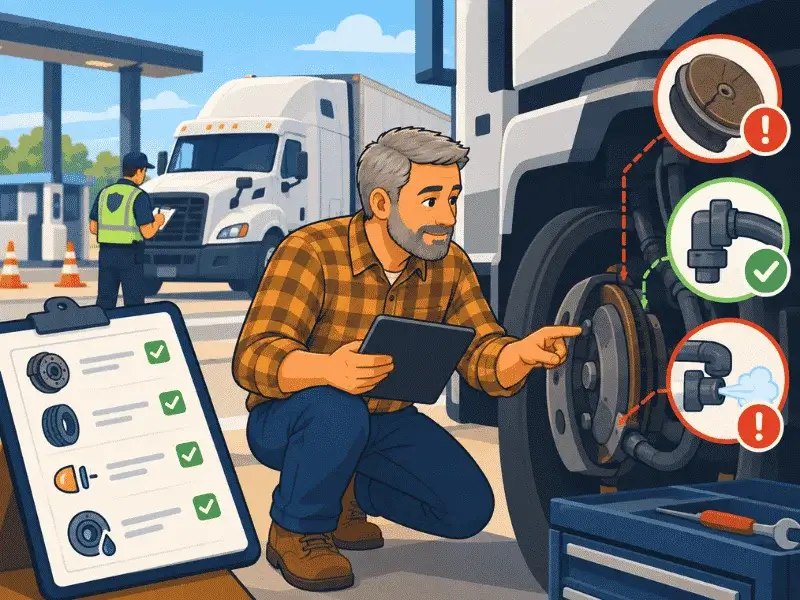
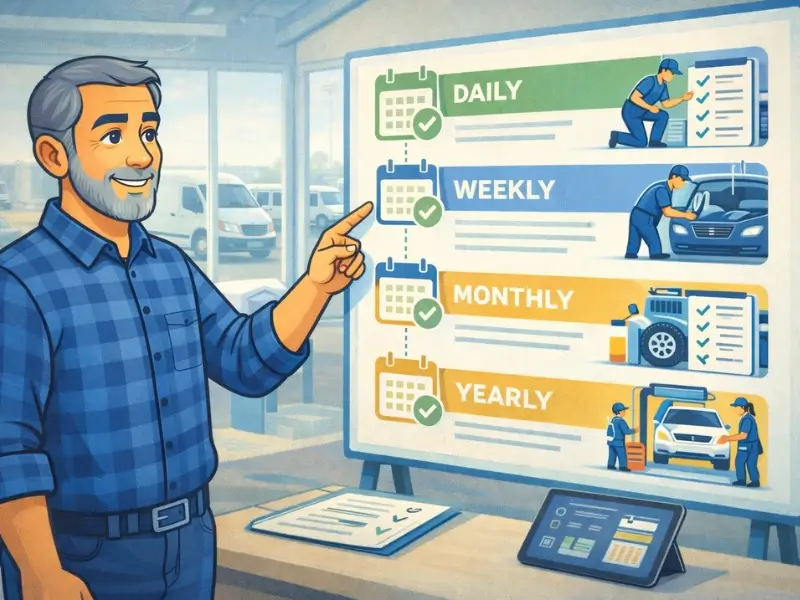
Property-carrying CMVs
Under FMCSA guidance, a driver generally prepares a DVIR at the completion of the day's work when a defect or deficiency was discovered by or reported to the driver during that day.


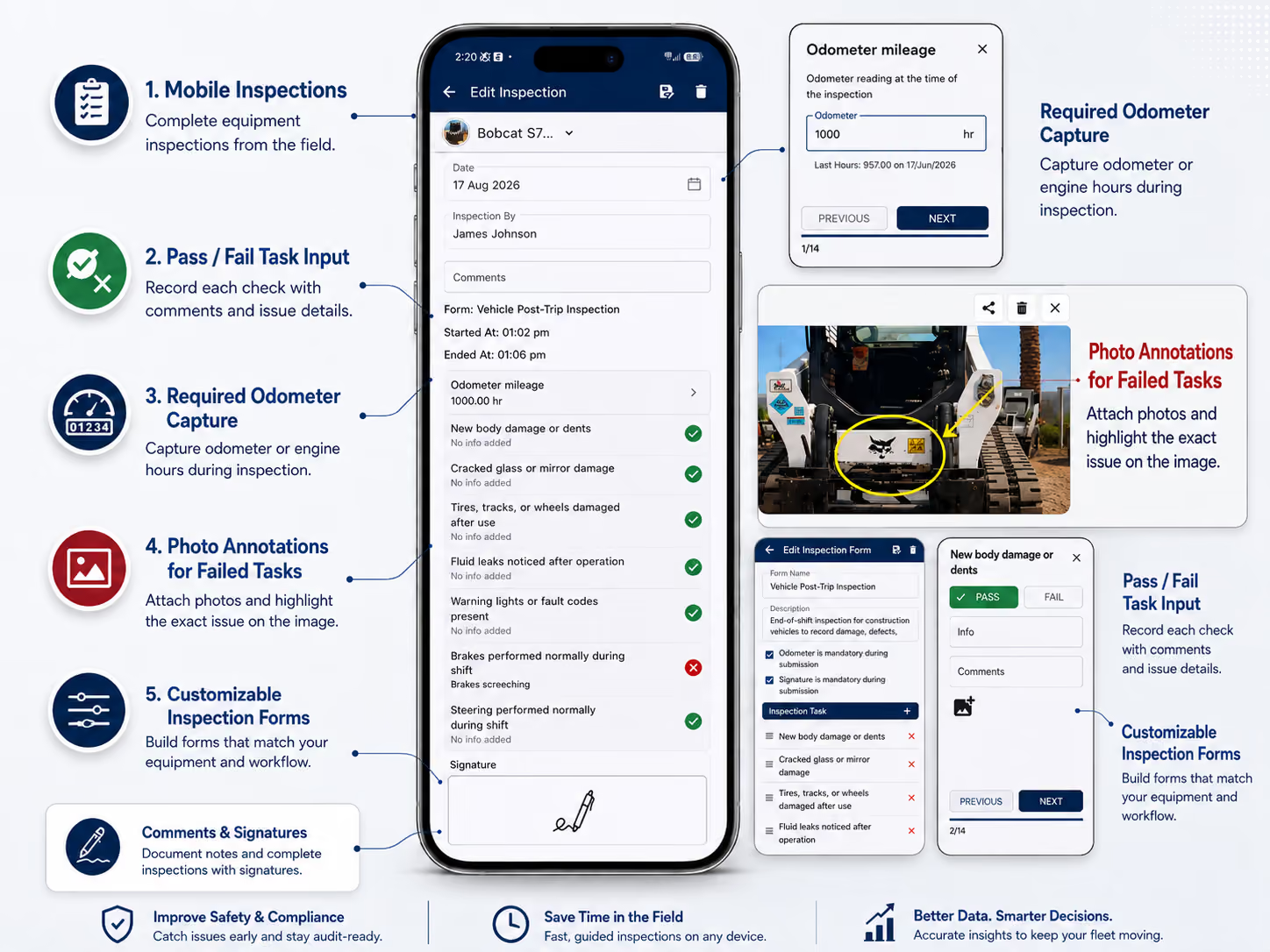
Replace paper DVIRs with customizable mobile inspections that work online or offline. Drivers can capture pass/fail checks, photos, notes and signatures, while failed items stay connected to issues, repairs and vehicle history.
Custom DVIR forms
Build checklists around vehicle type and inspection requirements.
Offline inspections
Complete inspections where cell service is unavailable.
Photos + signatures
Require evidence and sign-off where your process needs it.
Defect → repair
Keep failed checks connected to maintenance follow-through.
A DVIR app replaces paper Driver Vehicle Inspection Reports with a digital fleet workflow. Drivers or inspectors complete a vehicle-specific checklist, document defects, sign and submit the inspection, and create a searchable record for the fleet team.
With Simply Fleet, inspection forms can be configured for pre-trip checks, DVIRs, weekly inspections or other fleet procedures, with pass/fail responses, notes, photos, signatures and recurring schedules.
Yes. Federal rules permit DVIRs to be completed electronically. In 2026, FMCSA issued a final rule explicitly clarifying electronic completion. The report still needs to satisfy the applicable content, signature, repair and retention requirements.
Compliance note: Simply Fleet provides digital inspection, recordkeeping and repair workflows. Whether a specific DVIR process satisfies federal, state or operation-specific requirements depends on how the carrier configures and uses it. Review current FMCSA rules and your applicable state requirements.
The federal rule differs by carrier type. This is the key distinction fleet teams should understand before standardizing a DVIR workflow.
Under FMCSA guidance, a driver generally prepares a DVIR at the completion of the day's work when a defect or deficiency was discovered by or reported to the driver during that day.
Drivers generally prepare a DVIR for each vehicle operated at the end of the driving day even when no defects or deficiencies were discovered or reported. Specific exceptions can apply.
For the underlying federal guidance, see FMCSA's §396.11 DVIR interpretation.
Separate the information that belongs on the report from the physical items your drivers inspect. They are related, but they are not the same question.
| DVIR report information | Inspection checklist |
|---|---|
| Vehicle identification The report must identify the vehicle being reported on. |
Vehicle-specific checks Build the checklist around the vehicle class, operation and applicable safety requirements. |
| Defects and deficiencies List defects discovered or reported that could affect safe operation or result in mechanical breakdown. |
Pass/fail inspection points Use checks for items such as brakes, tires, lights, steering, mirrors, emergency equipment and other required components. |
| Driver sign-off Use the required driver signature or electronic equivalent for the applicable DVIR process. |
Photos, notes and readings Require supporting evidence, comments or odometer data when your process calls for it. |
| Repair certification When defects are listed, the motor carrier or its agent must certify that they were repaired or that immediate repair was unnecessary, as applicable. |
Custom instructions Standardize how drivers inspect each item and what evidence is required on a failed check. |
FMCSA does not require a specific paper form format as long as the report contains the required information and signatures. See FMCSA guidance on DVIR format.
The value is not just replacing a paper checklist. It is connecting what the driver finds to the people responsible for resolving it.
Open the assigned inspection form for the vehicle being checked.
Record pass/fail results, comments, photos, readings and signature. Work offline when needed.
Keep issues found during the inspection visible with the submission record for review.
Move defects into maintenance, track repair work and preserve the completed history.
Configure the inspection workflow around the vehicle, the driver and the evidence your fleet needs.
Create forms for different vehicle classes and inspection processes, then arrange the tasks in the order drivers should complete them.
Let drivers complete inspections when coverage is unreliable instead of postponing the check until they have a connection.
Require photos on failed checks, collect notes and make signatures mandatory on forms that need driver sign-off.
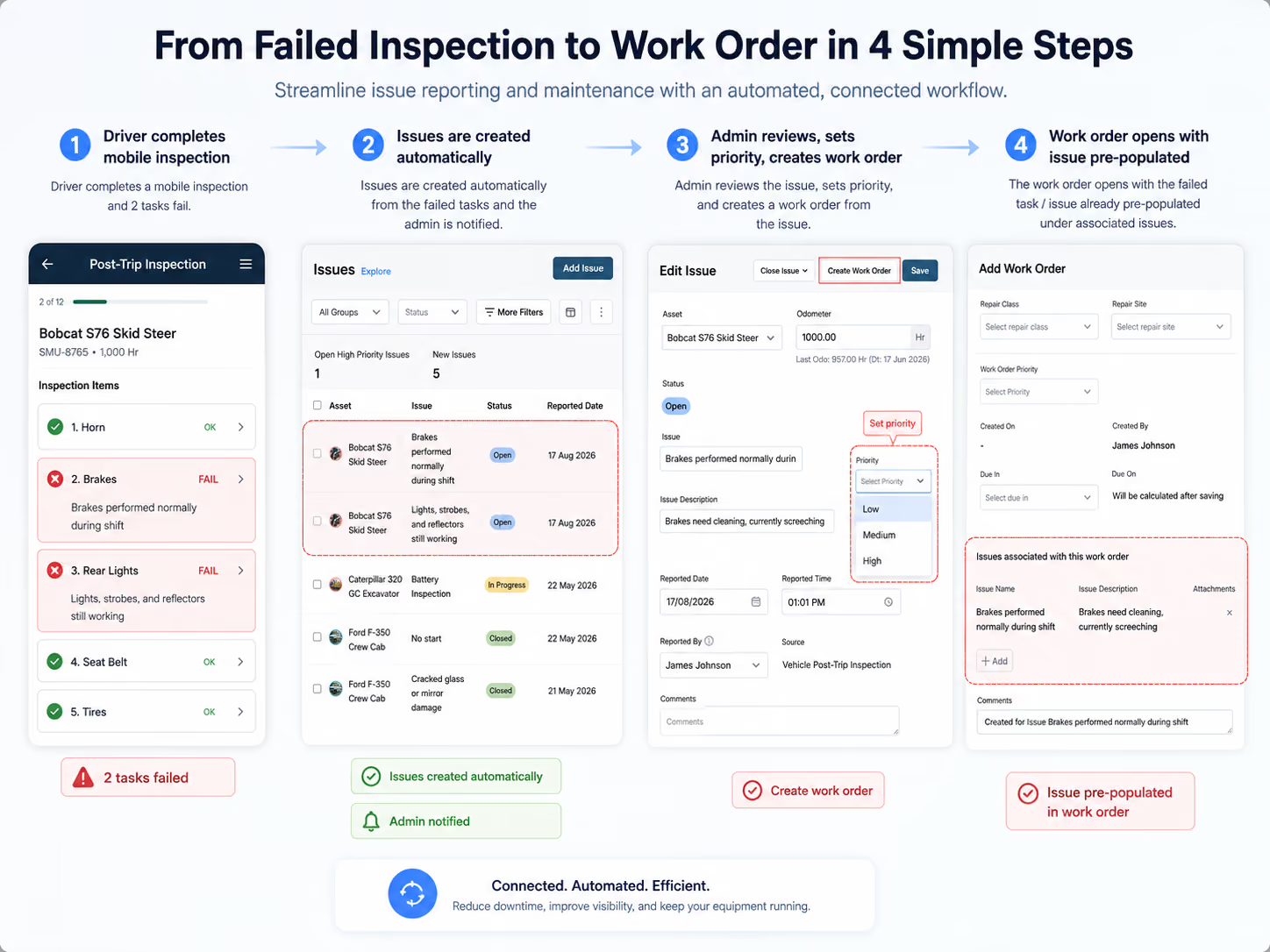
A digital inspection is most useful when a defect does not stop at submission. Simply Fleet keeps issues visible with the inspection record and connects inspection findings to the broader maintenance workflow.
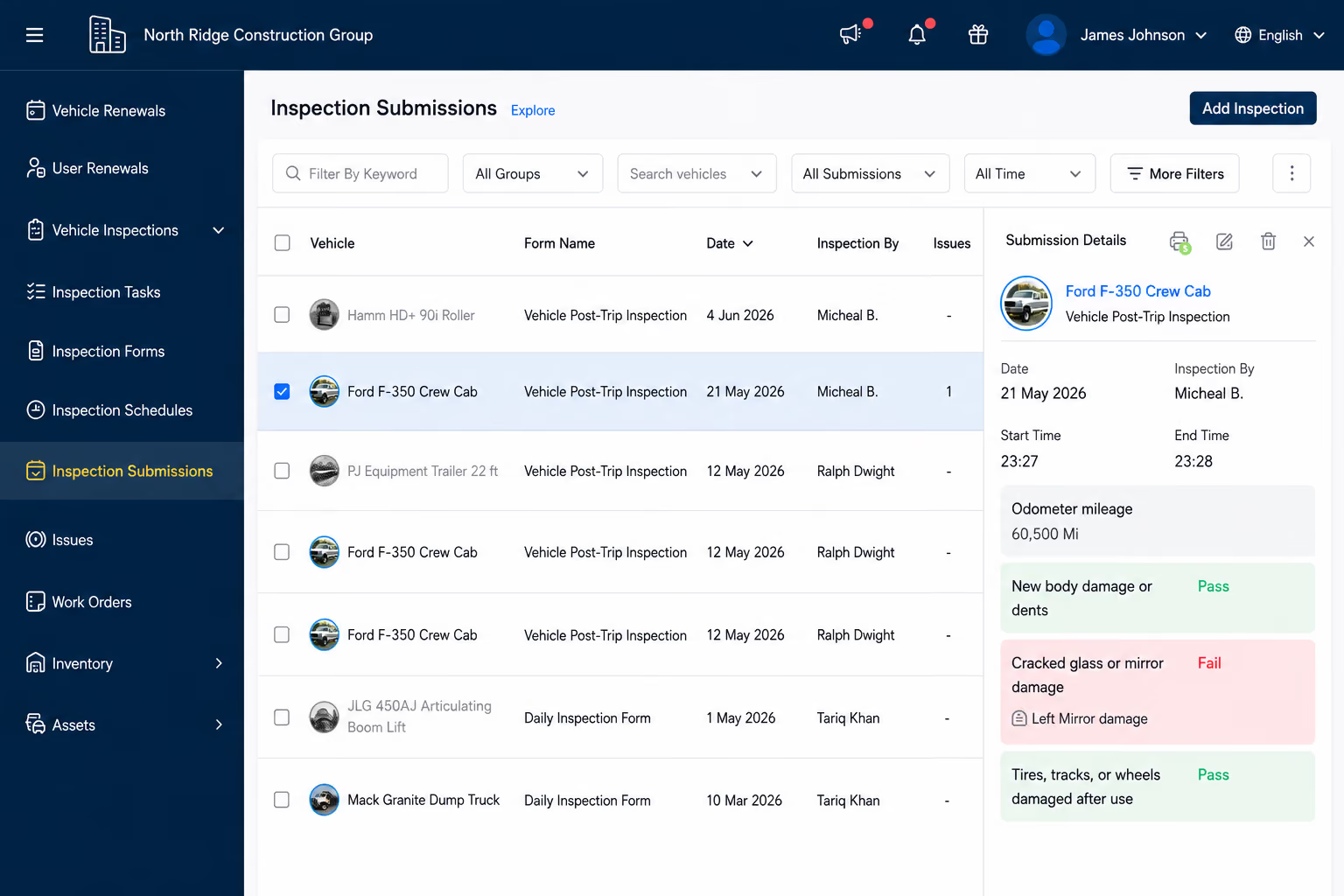
See what failed. Review issues found with the completed inspection submission.
Create repair ownership. Move defects into issue and work-order workflows instead of re-entering them in another system.
Track the repair. Assign technicians, record parts and labor, and keep progress attached to the asset.
Preserve the outcome. Completed repairs become part of the vehicle's maintenance history.
Searchable inspection history makes it easier to find the report, defect and repair trail without searching paper files.
Do not confuse DVIR retention with roadside inspection report retention. FMCSA applies different recordkeeping requirements to roadside inspection reports. For DVIRs under §396.11, see FMCSA's Motor Carrier Safety Planner.
The inspection does not live in isolation. Drivers, fleet managers and technicians can work from the same vehicle record as issues move from discovery to resolution.
.svg)